Classrooms & Kudos
A window into every classroom, and a reason to celebrate.
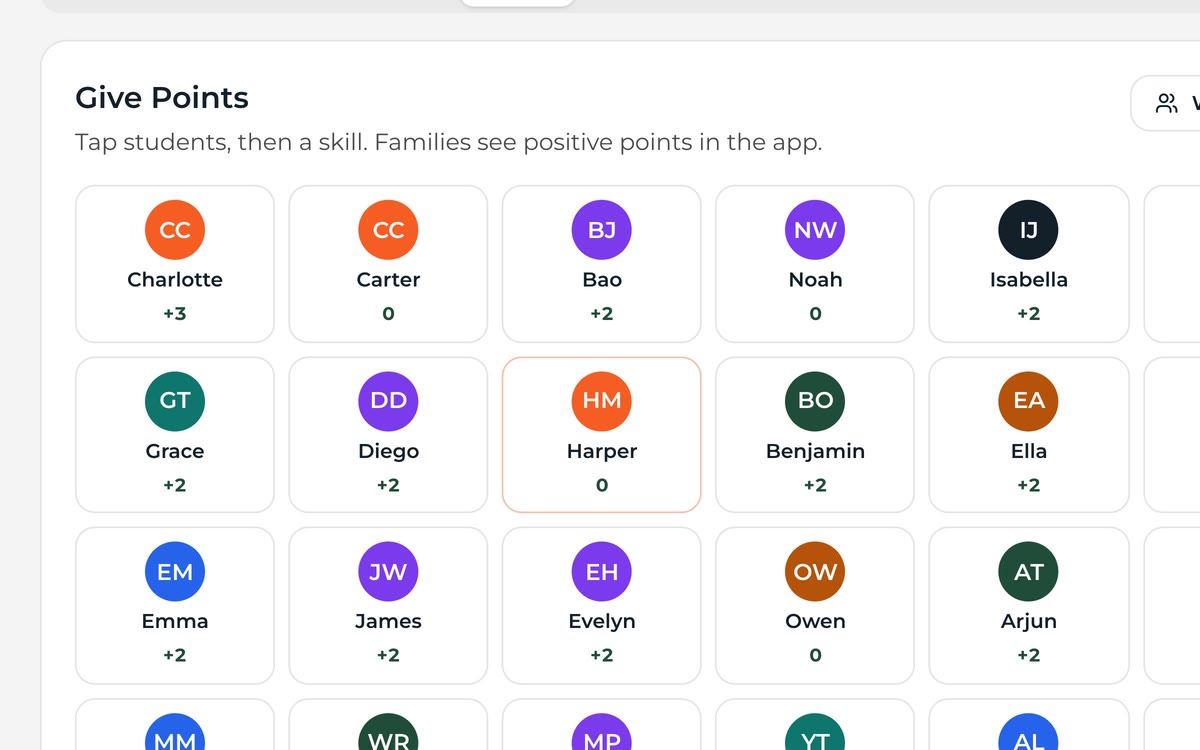
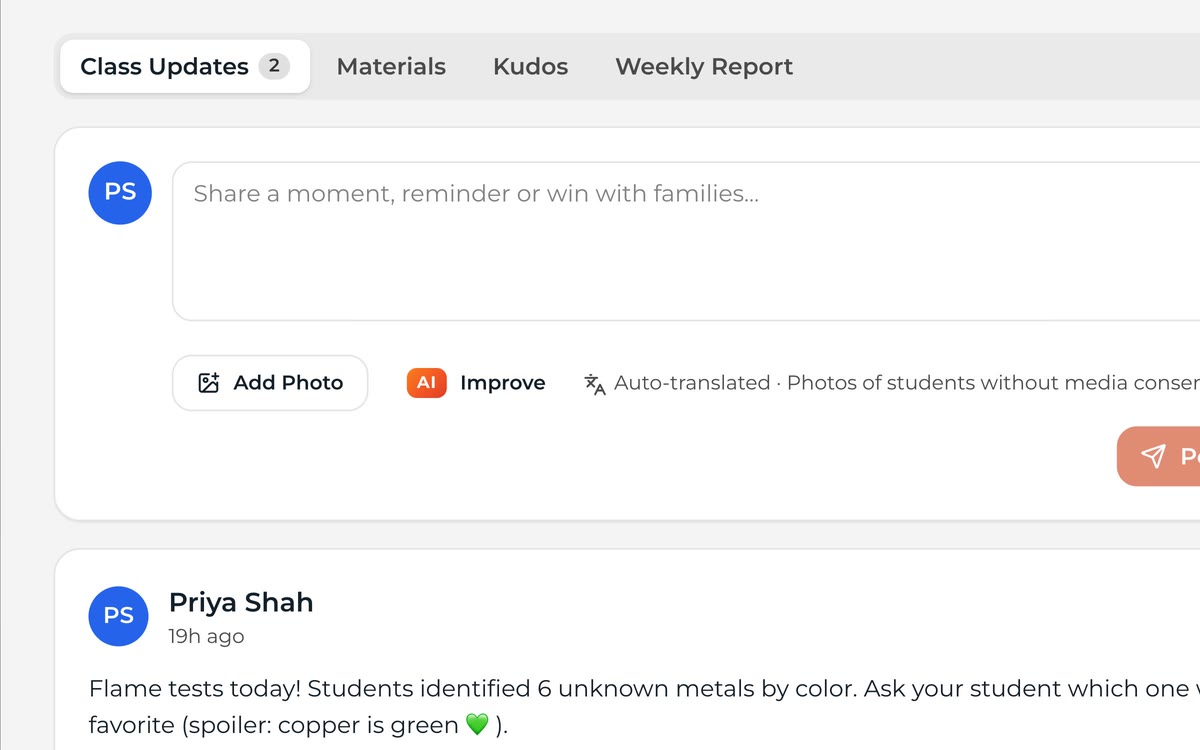
Teachers share class updates and files with their families, and recognize students with Kudos — positive notes that go home the same day.
No login needed. Nothing you do in the demo is sent anywhere.
Why It Works
What Classrooms & Kudos does for you
Privacy by Default
Class content stays with class families and never goes public.
How It Works
Up and running in three steps
Step 1: Classes Appear
Your data sync builds each teacher's classes.
Step 2: Share and Celebrate
Post updates and send Kudos from phone or laptop.
Step 3: Families Follow Along
Everything shows in the app for that family's kids.
What's Included
All of it, in every plan
No add-on modules and no premium tier. Every district gets the full platform for one flat annual price.
- Class update feeds
- Kudos recognition
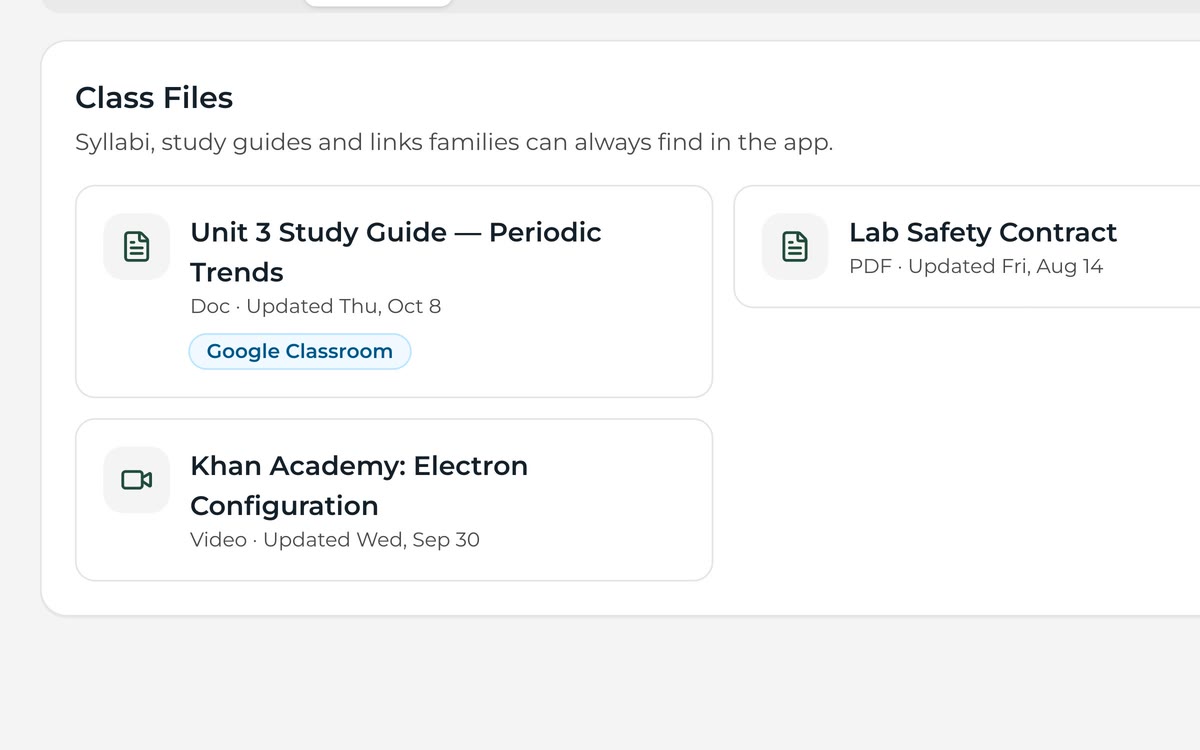
- Class files and links
- Photo privacy controls
- Translation
- Teacher mobile access
FAQ
Questions, Answered
Can we turn Kudos off?
Yes. Every module can be turned on or off by school.
See Classrooms & Kudos With Your Own District
Send us your website address. We'll build a working preview with your logo, colors and real content — free — and walk you through it.